
Name-Based Case Searches
MCRO Case Search is the statewide Judicial Branch doorway. It opens public Hennepin County District Court case information. Its Name tab separates person searches from business searches. Filters for filed date, case category, status, and court location narrow things down fast. Type an exact name when you have one. A common surname calls for extra identifying details. Choose Hennepin too, because a statewide result list mixes in cases from every other county. Assuming a match belongs to the Hennepin Fourth Judicial District is the easiest way to grab the wrong file.
- Open MCRO Case Search and select the Name path. Choose Person or Business before entering the name.
- Enter the last name and, when known, first and middle names. Add date of birth or a filed-date range only when those details are appropriate to the search.
- Narrow a broad result with Civil, Criminal, Family, or Probate or Mental Health categories and choose Hennepin through the county-location control.
- Open a plausible result and verify the Hennepin caption, party role, case number, and filed date before relying on its Hennepin Register of Actions.
These MCRO fields reflect the live Case Search interface and the official search instructions. The portal does include a case-status control. Read its option labels there rather than guessing from an unrendered menu.
| Field label | Type | Required | Options or format notes |
|---|---|---|---|
| Name type | Choice | Yes | Select Person or Business before using a name field. |
| Last, first, middle name | Text | Last name for a name query | Exact searching is the default; verify the returned party role. |
| Sounds Like | Checkbox | No | Use for spelling variation; it is not combined with a wildcard search. |
| Date of birth | Date | No | Use the portal’s MM/DD/YYYY input and exact or date-range choice. |
| Date filed | Date | No | Choose an exact date or a date range to reduce broad results. |
| Case category | Checkboxes | No | Civil, Criminal, Family, and Probate or Mental Health. |
| Court location | County selector | No | Leave statewide or select Hennepin through the county interface. |
Hennepin Case Search Name Filters
According to the MCRO search quick-reference guide, exact searching is the standard method. A trailing wildcard needs at least two characters first. Sounds Like is an alternate method, not a companion to the wildcard. Put a business name in the Business choice, never in a person name field. The Hennepin county selection pairs with the Hennepin category filter. A common Hennepin name calls for the county selector, a date range, a category, and a middle name where one exists. Then check the case caption and the party's role. A shared surname, an alias, or a similar spelling proves nothing about identity. One more limit matters. Pending criminal, traffic, and petty-misdemeanor matters without a conviction may not return through defendant-name search at all. A known Hennepin file number, a citation number, a clerk inquiry, or a permitted terminal search beats treating a blank name result as final.
Hennepin Case Search Session Rules
Inside MCRO, use the breadcrumb links instead of your browser's Back button. Sessions warn near 28 minutes and die after about 30 minutes of inactivity. Save the Hennepin case number first. Save the case details you need too, before you open any document. A solid search note records the access date, case number, caption, event text, and document index number when shown. Note whether you viewed an unofficial remote copy, a courthouse copy, or a certified one.
Case Number Searches
One number opens almost any Hennepin case. The full file number follows the pattern 27-CR-24-1844: Hennepin's county code first, then the case category, a two-digit year, and a sequence. Category codes you will see often include CR for criminal, CV for civil, FA for family, PR or MH for probate or mental health, and JV for juvenile. The category tells you the record class. It says nothing by itself about access limits. MCRO takes a complete Hennepin case number. Dashes and leading zeros are optional, but spaces are not allowed. If what you have is a citation number, take the Citation Number path to find the court file, then open Case Details or the Register of Actions for the full case history.
Hennepin Case Number Document Search
Document Search asks for one thing: the complete case number. It does not work like a keyword search across every Hennepin filing. Find the case first through Case Search or a file number you already know. Then turn to the Register's document index or Document Search. What you can see also depends on the case type and the document date. The Hennepin Judicial Branch access rules matter as well. The MCRO Document Search page shows the full-case-number document interface.
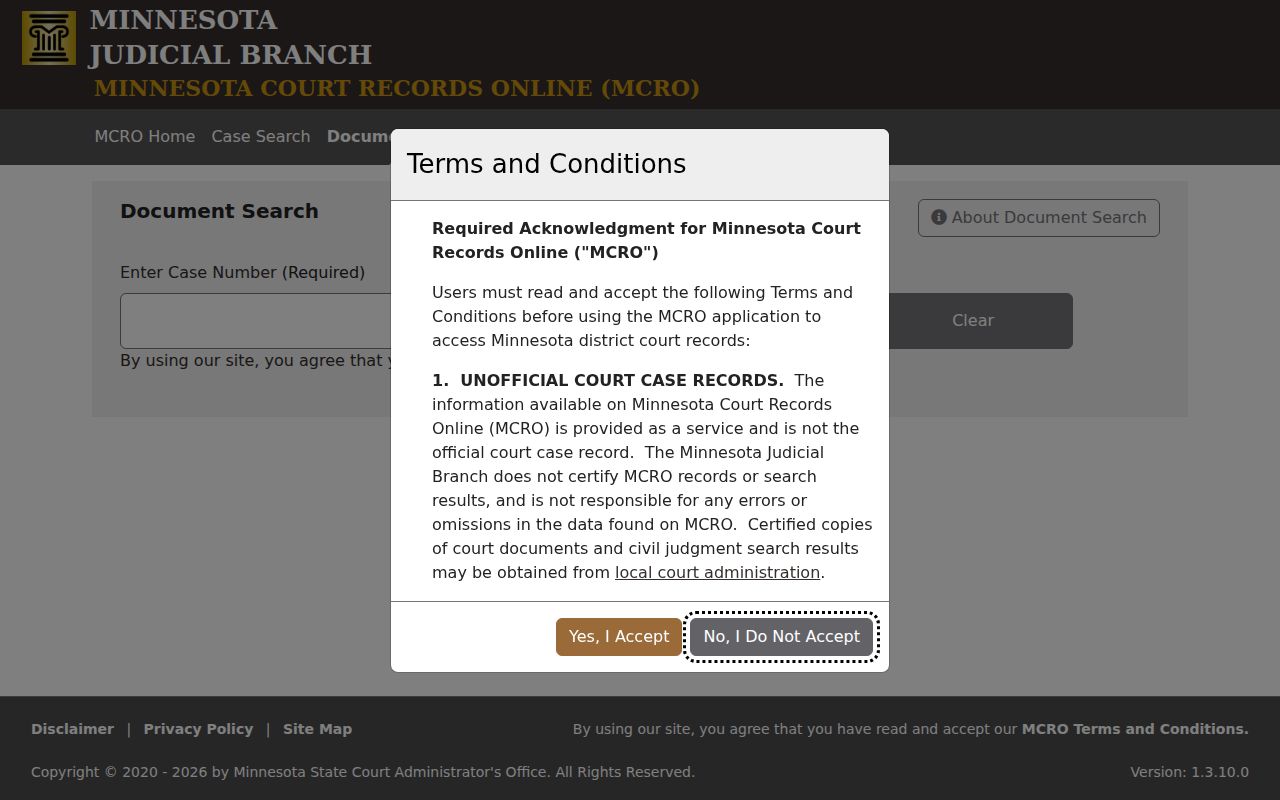
Coverage has a clear start line. Public major and minor criminal and civil documents filed on or after July 1, 2015 generally fall within MCRO's remote-document coverage, subject to the access chart. The online copy remains unofficial.
Case Search Results Explained
A Hennepin result is never just a name match. The MCRO case-detail material lays out what a case page can hold: case overview, parties, charges, case assignment, events and document index, hearings, dispositions, bond or bail, financial information, judgment details, and satisfactions. Which fields actually appear depends on the Hennepin case and its access status.
| Case number | The official Hennepin court file identifier, such as 27-CR-24-1844. |
|---|---|
| Caption and parties | The court’s case title and roles, such as plaintiff, defendant, petitioner, respondent, debtor, or creditor. |
| Case category | Civil, Criminal, Family, Probate or Mental Health, Juvenile, or a more specific subtype. |
| Filed date and location | When the court opened or received the Hennepin case and the assigned venue or facility. |
| Register of Actions | The chronological Hennepin event ledger, which can show an entry even when a document is not remotely available. |
| Hearing and status | Upcoming and previous events should be distinguished; read the live status label in context. |
Read event text with care. A Hennepin entry saying a motion was filed is a request, not a ruling by the judge. A closed case can still collect later financial, satisfaction, appeal, or access entries.
Hennepin Case Search Register Details
The Register of Actions is Minnesota's chronological ledger of a case's history. In MCRO's detail view, the newest event usually sits on top. A document index number can tie a Register event to a public document. That applies when one exists. Labels like "Filed," "notice," "order," "motion," "hearing," "disposition," and "satisfaction" each describe a different kind of Hennepin court activity. Take the short labels literally. A plea is not a sentencing. A bond entry is not a fine or judgment. A continuance means the new date stated is the one that controls. Keep the exact language the Hennepin court displayed rather than expanding an abbreviation into a conclusion the record never made.
- Register of Actions
- The chronological Hennepin court docket history.
- Document Index Number
- The number that may connect a docket event to an available document.
- Disposition
- The outcome or resolution field, whose vocabulary varies by case type.
- Satisfaction
- An entry showing that a judgment was satisfied, released, or otherwise addressed.
Two Ways to Search: County and State
Minnesota runs its public case, hearing, document, and judgment functions through one statewide platform. It is called MCRO. Hennepin County is not a separate portal. It is a county location you can pick inside the statewide search. That state-wide reach helps when you are unsure where a case sits. Choosing Hennepin narrows a broad name search. It points the search at the Fourth District's state-court records. Treat the Hennepin filter as a court-location control, not a separate Hennepin database.
| Statewide MCRO search | Hennepin-selected MCRO search |
|---|---|
| Searches public records across Minnesota court locations. | Limits the search to Hennepin through the county selector. |
| Best when the county is unknown or multiple Minnesota locations matter. | Best for a known Fourth Judicial District case or a common party name. |
| Offers Case, Hearing, Document, and Judgment functions. | Uses the same functions while narrowing the court-location context. |
| Does not replace federal PACER or a city administrative process. | Does not guarantee every Hennepin public document is remotely viewable. |
Hennepin Case Search at Public Terminals
When MCRO comes back empty, the Hennepin search is far from over. The Hennepin Records Center offers public computers and handles copy requests from the public. Some Hennepin electronic and historical material simply shows up better through local public access. It may not surface through a remote MCRO lookup at all. Every Minnesota district courthouse, in fact, keeps public terminals for statewide court records.
Bring the Hennepin case number for any past case event. Ask staff whether you can inspect the record at the courthouse. You might order a plain copy instead. Or you could pay for a certified copy. Court Administration and Records Center staff can point you to the right channel for a division record. A remote omission is never the final word on access.
Hennepin Case Search Request Channels
If a public Hennepin document is not online, use the Hennepin court-record copy process. A complete request names the parties. It also needs the file number or required criminal identifier. Add the document you want, the number of copies, and whether certification is needed. Say how delivery should happen too. Missing the case number? A Hennepin civil case-history request is a separate route. But it does not hand you the Register or the documents themselves.
The Fourth District public-data form covers broader administrative questions, not case files. For case records, the Minnesota Rules of Public Access to Records of the Judicial Branch govern. Those rules include Rule 2, Rule 4, and Rule 8. Do not assume a Judicial Branch file follows an executive-agency request process.
Which Cases Stay Restricted
An empty Hennepin MCRO search has many explanations. The case may be nonpublic. The document may fall outside the remotely available date range. Or the category may be excluded. Search terms can be too narrow or too broad. A pending criminal or traffic name-search limit could also be the cause. So could a destroyed record or another access rule. None of this proves a Hennepin record is sealed. Confirm the exact case number and category first, then work through the event and document index.
The official access chart sorts records into public cases, public cases with limited remote availability, and nonpublic records. Some categories carry limits or courthouse-only access. These include CHIPS cases and felony delinquency matters involving people 16 or older. Certain served domestic-abuse or harassment cases are on the list, along with listed out-of-state no-contact orders. Adoption, confidential name changes, some juvenile matters, pre-service protective-order records, and older paternity material can be protected. Juvenile requests must go through the approved Juvenile Justice Center route. They also need a legal basis for access.
A public Hennepin docket event can sit next to a withheld document. Ask the Records Center whether courthouse inspection or a redacted copy is available. You may need a form or a court order instead.
Hennepin State and Federal Case Search
State MCRO and federal PACER are two different worlds. Hennepin County District Court cases live in Minnesota's state-court records system. Federal civil, criminal, and bankruptcy matters run through the federal court's own structure. That structure is CM/ECF and PACER. Before picking a database, confirm the court name, its seal, and the file number. The Federal PACER login page is the entry point for District of Minnesota case access.
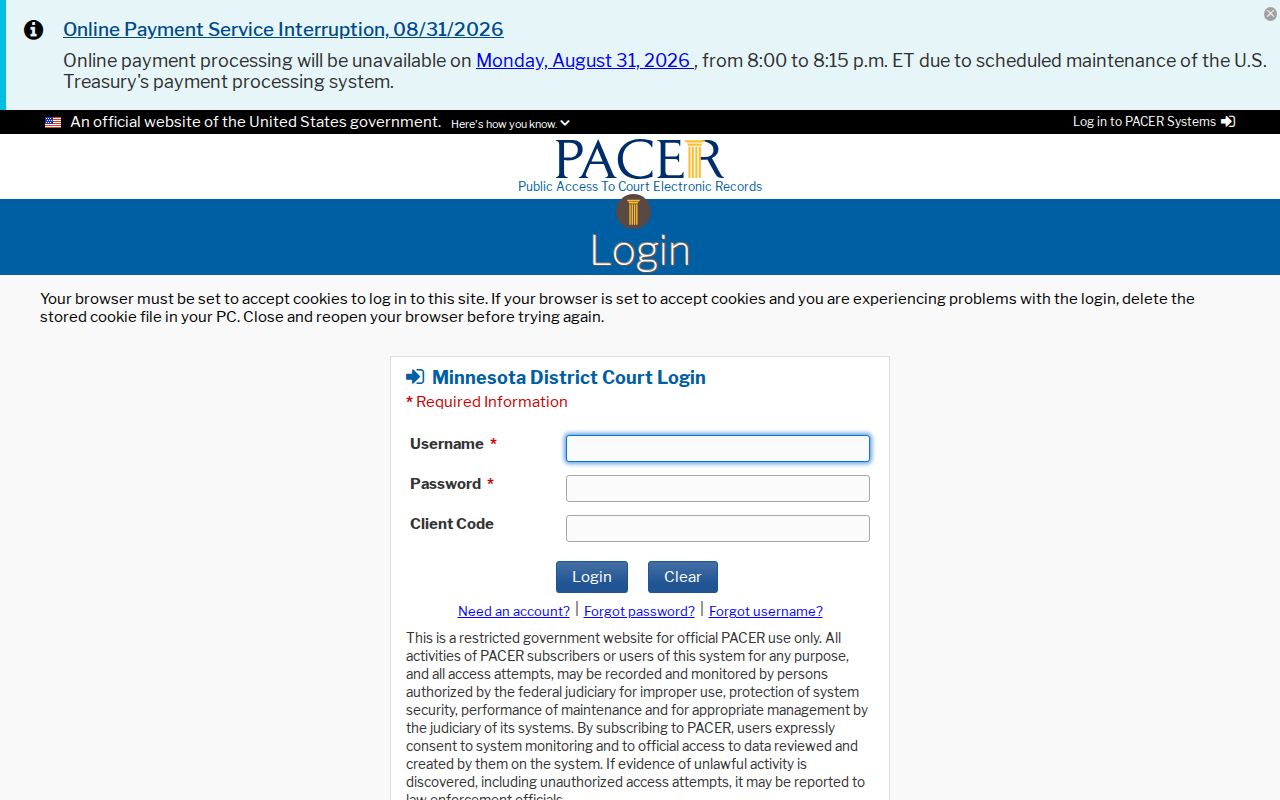
PACER belongs to the federal side, so it has no role in reading a Hennepin state Register of Actions. For federal matters, District of Minnesota CM/ECF is the filing and docket system to use.
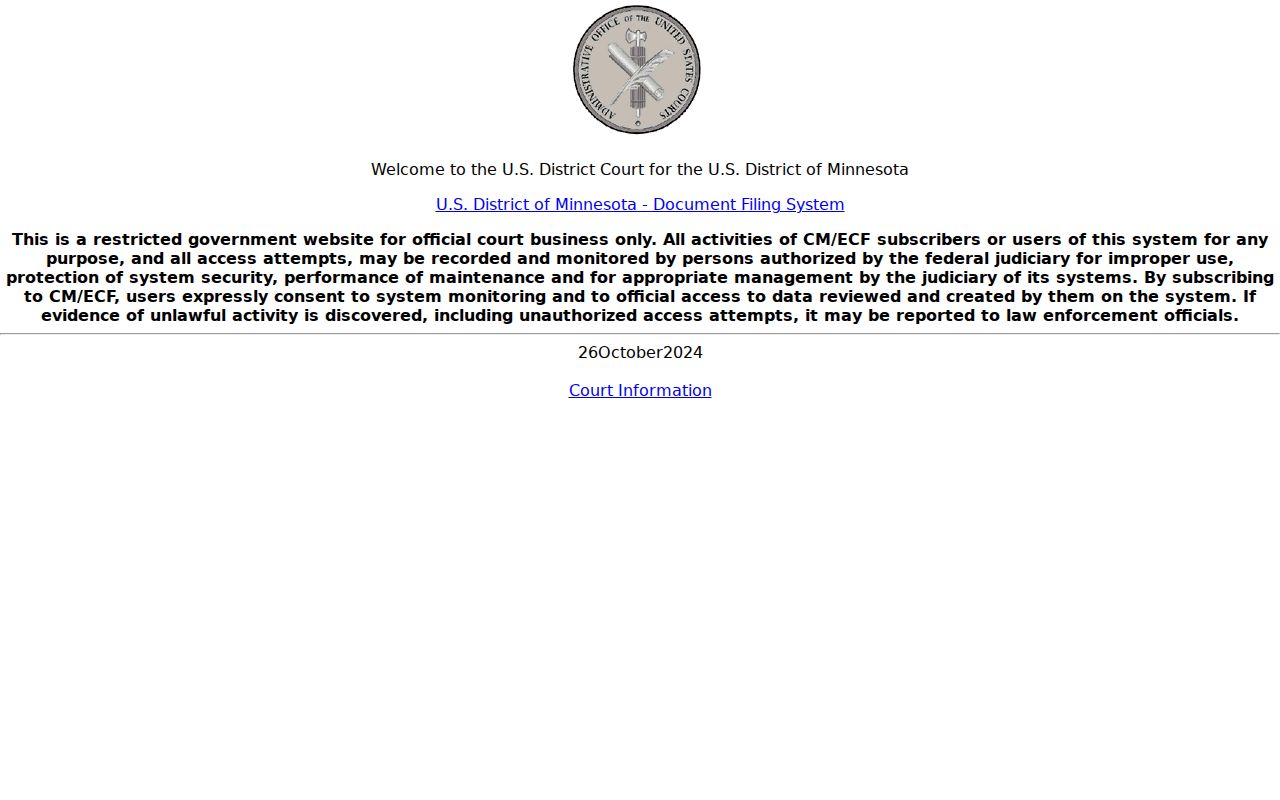
A federal result is not a Hennepin County District Court case. Check the court and the jurisdiction before you report it as one.
Hennepin eFS and Case Search
Minnesota eFile and eServe, or eFS, handles filing and service through Tyler Technologies. It is not the public tool for reading a Hennepin docket. That job belongs to MCRO and the Records Center. Attorneys and parties who need to file a document follow the eFS process. They must also follow the court rules that apply. The Minnesota eFS landing page shows the sign-in and registration workflow.
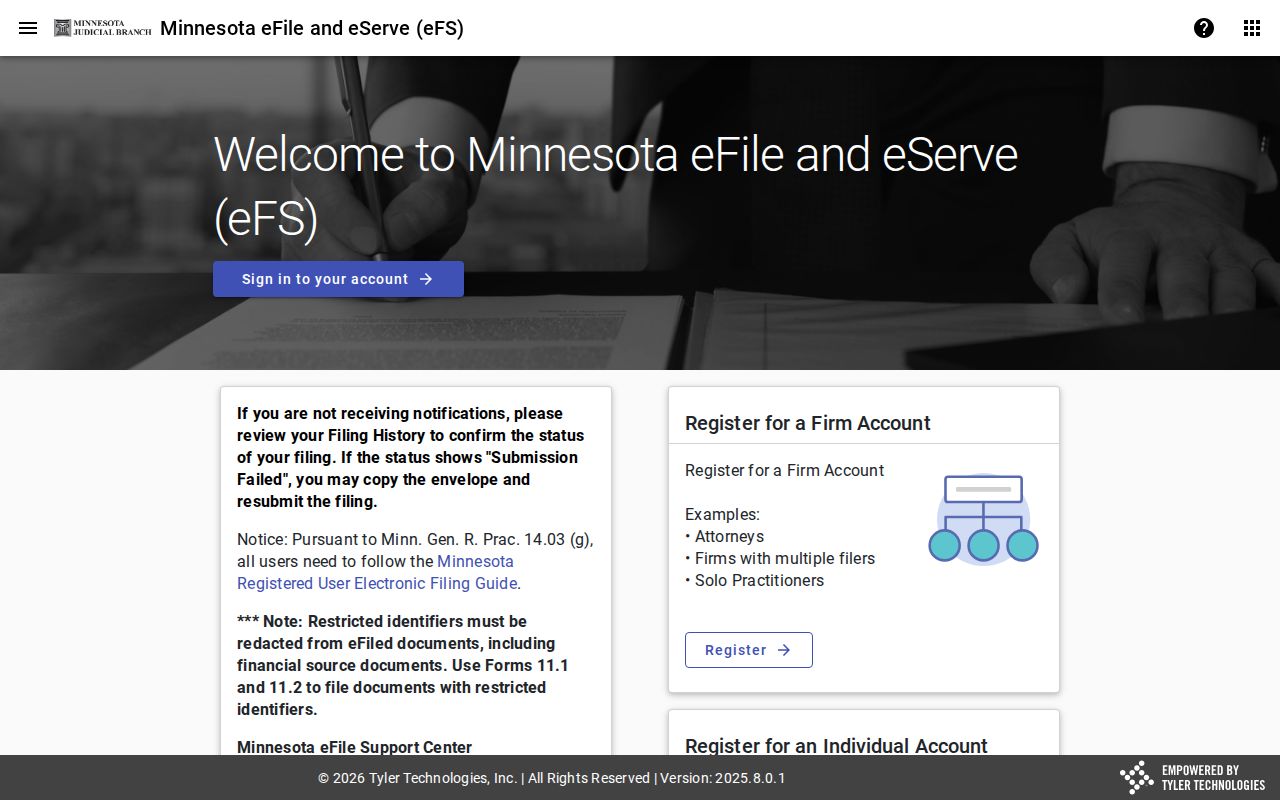
Keep the two systems straight. eFS moves filings and service, while MCRO supplies the public Hennepin case and Register information that is available.